Progressive schools put emphasis on improving student engagement for better learning outcomes and increased motivation. Modern classrooms require innovative question-building techniques to make students more engaged with assessments. The less likely an assessment feels like a stress, the more engaged your students will be.
Online crosswords have become an engaging learning activity that tutors create to make quizzes more entertaining. They help students recall concepts, improve vocabulary, and strengthen memory through active problem-solving.
In this guide, you will learn how online crosswords work, why they’re beneficial for student learning, and how to create them in easy steps.
How Online Crosswords Work
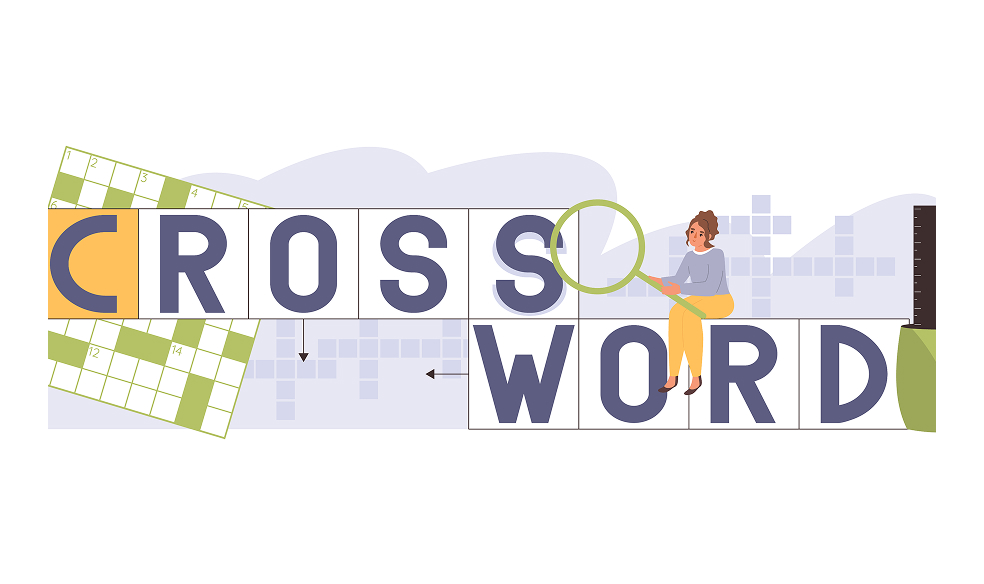
A crossword puzzle is a grid where the students fill in the answers based on the clues provided. Each clue has a specific position “across”(horizontal) or “down” (vertical). The correct answers intersect with other words in the grid. For an online version of crosswords, students:
- Type answers instead of manually writing them.
- View clues mentioned alongside the puzzle.
- Complete puzzles from any device, e.g, mobile, tablet, or laptop.
Online crosswords are much more accessible and easier to manage than traditional pen-and-paper versions.
Why Should A Teacher Use Crossword Puzzles?
An online crossword puzzle is a powerful instructional tool that assists educators in enhancing student knowledge by testing their cognitive abilities. Present-day teaching practices include crossword questions for:
Memory Retention
While thinking about clues, students recall their routine lectures to get supportive evidence in solving the crosswords. This is the reason why such an activity helps solve memory retention for students.
Vocabulary Building
Crosswords are an excellent way to strengthen vocabulary, especially in language subjects or chapters with subject-specific terms. Students learn new words while actively recalling meanings, spellings, and context.
Low-Stress Assessing
Crosswords are more like a brain game than a test. Learners do not feel stressed while performing in game-like activities or solving crossword puzzles. Therefore, teachers can quietly assess their performances without putting them under pressure.
How to Create an Online Crossword with Assessified?
Teachers want to end the manual struggle of creating and assigning quizzes. Assessified acts as their crossword puzzle maker by creating online crossword puzzles in a few clicks and simply assigning them to students. Instead of arranging grids, finding intersecting words, and testing clues, all you need to do is:
- Type the answers followed by the clue. Each answer-clue set will be separated by a line space.
- Assign marks and then preview or publish your crossword puzzle for the students.
That’s how simple it is to create a crossword puzzle with Assessified. A few simple steps and you’re on your way to easy assessment building. Assessified offers 10 interactive question types for you to test the students in a modern way and leave out the conventional style of paper-based examinations.