
Tired of the constant brainstorming sessions for creating a single quiz? We’ve all faced this, a long phase of blur while creating student assessments. Schools and other educational institutions don’t have modern tools apart from the common AI chatbots to help them plan assessments aligned to their curriculum and education board. Teachers have to circle around a combination of apps to plan out a single quiz.
However, this helpful guide will walk you through the steps to creating a grade 3 English Grammar quiz with Assessified, a tool that serves as a one-stop solution for all your assessment struggles, from planning to grading.
Here, you will have 3 different ways to create your English Grammar assessments. The first way to begin is by assigning your assessment worries to AI. Let’s build with AI.
Ways to Create Grade 3 Grammar Quiz
AI-Powered Grammar Quiz
Assessified’s free plan allows you to create quizzes powered by AI.
Make your time count by signing up with the platform and begin with the following steps:
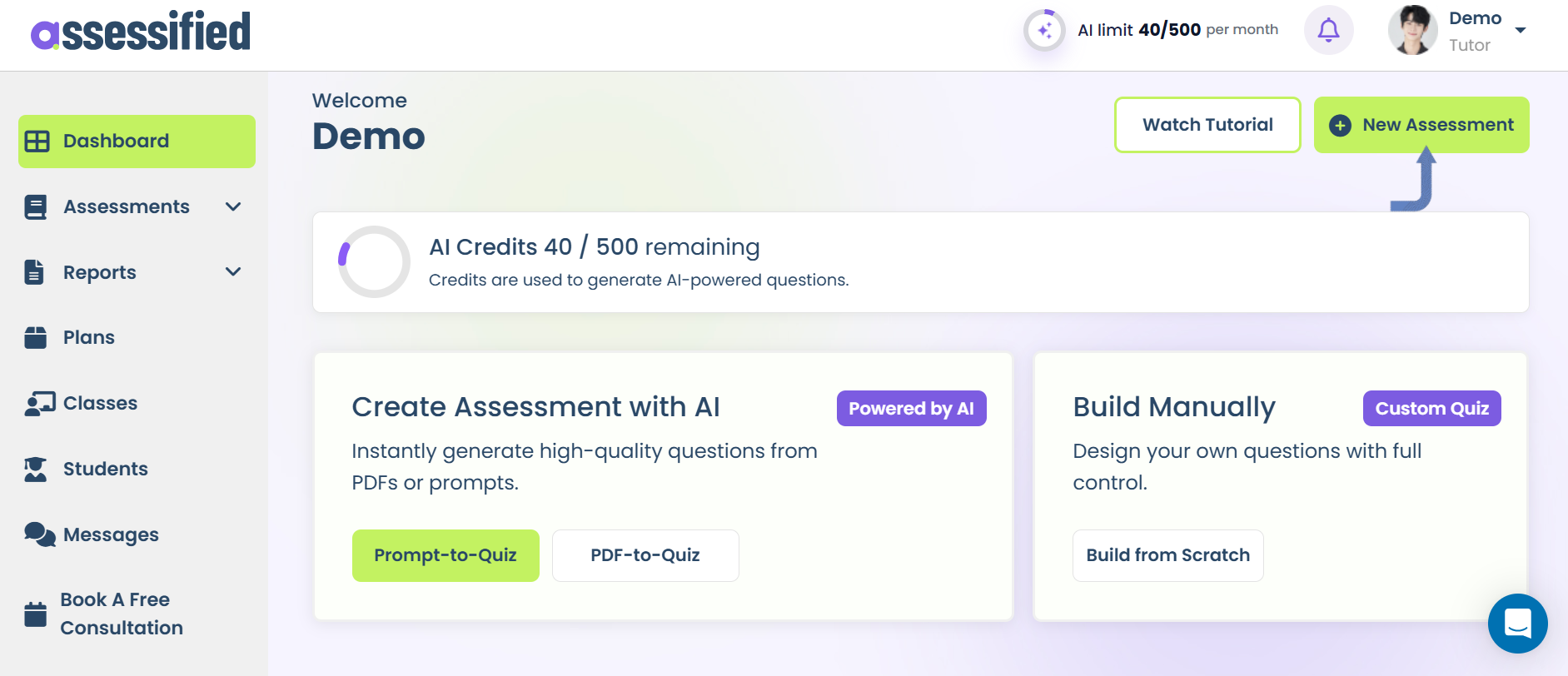
01 Create New Assessment
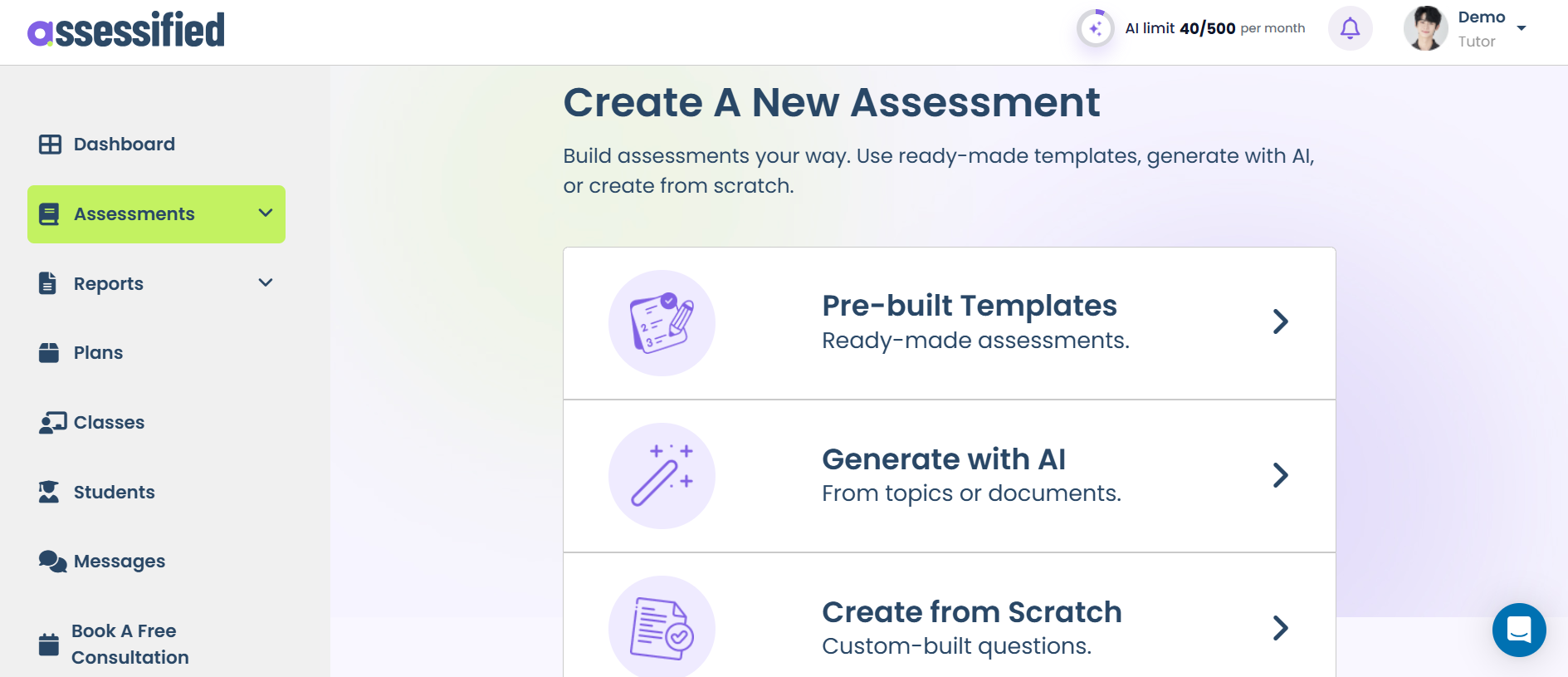
02 Select “Generate with AI”
03 Now choose your creation type (from a prompt or a PDF doc). Let’s create with a prompt
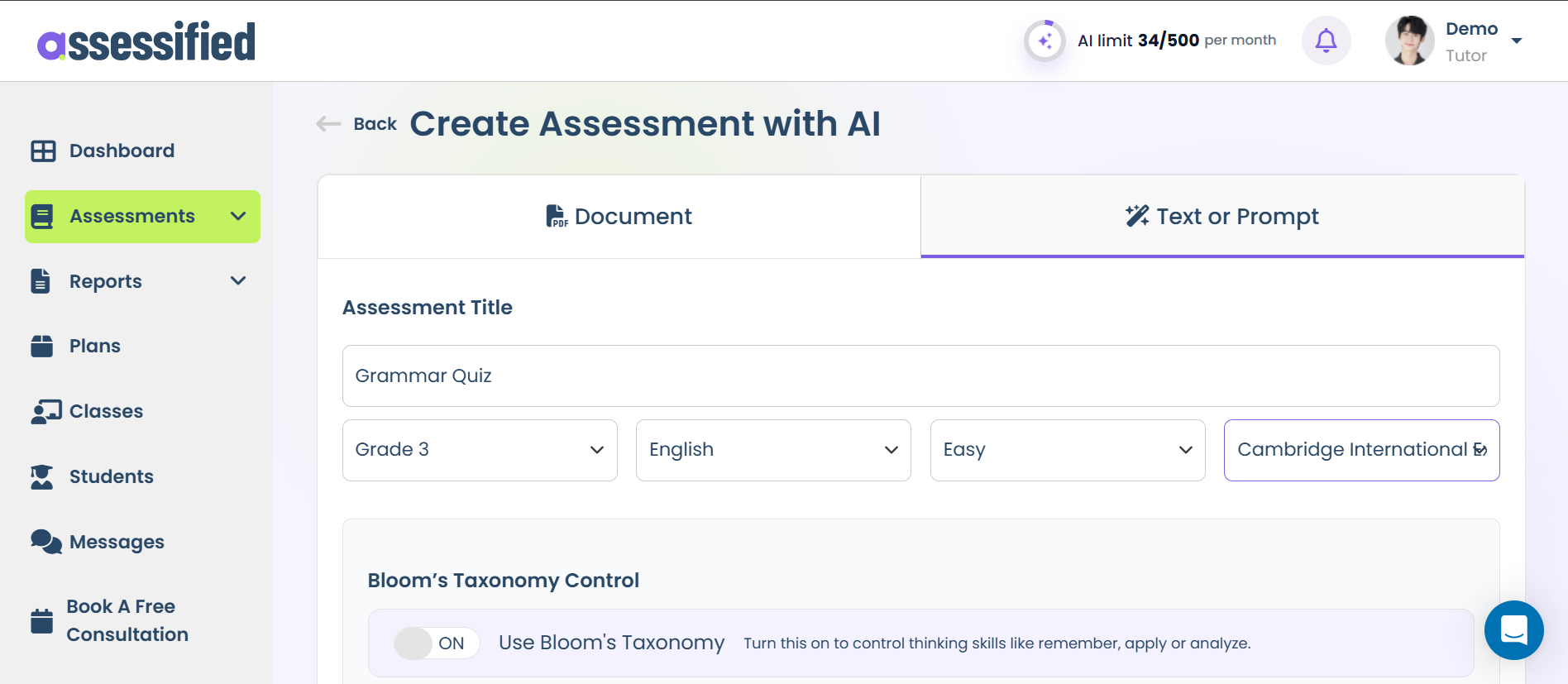
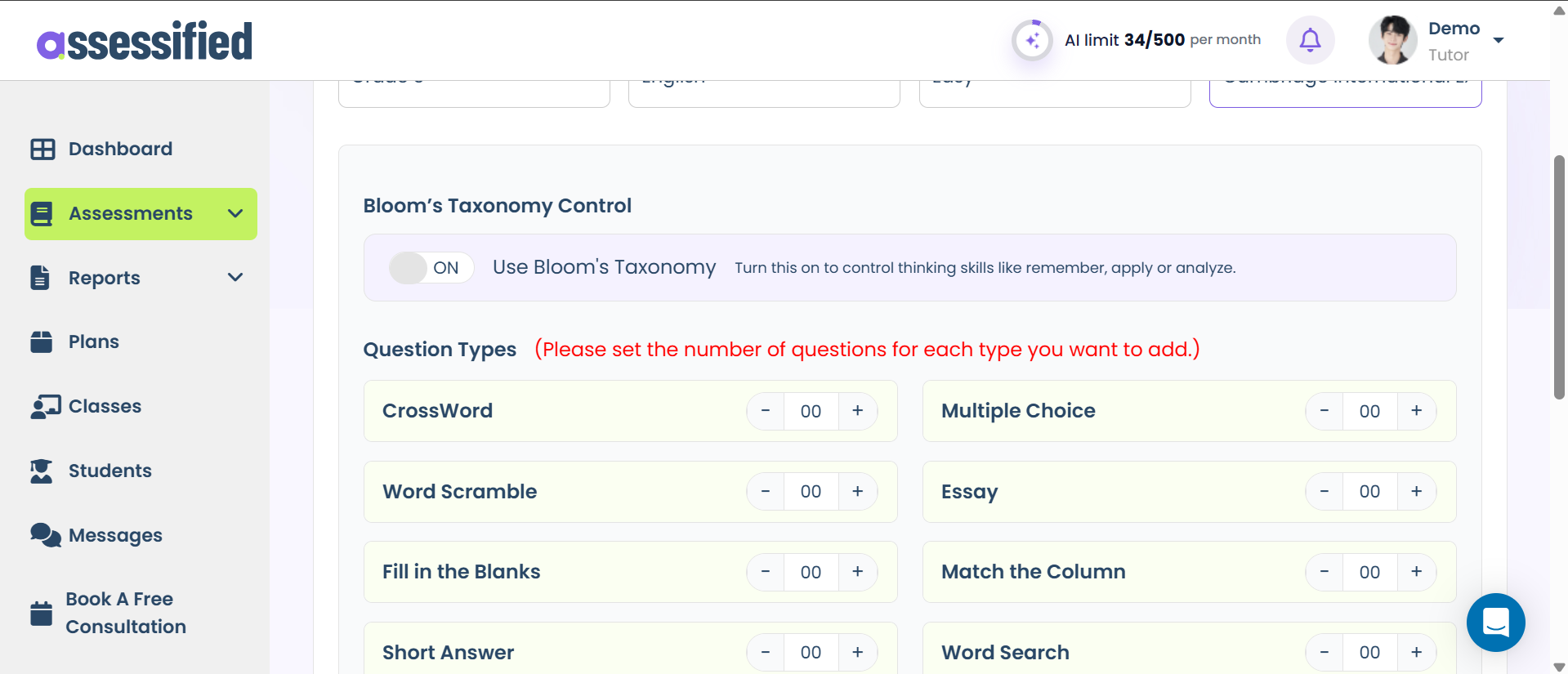
04 Enable Bloom’s Taxonomy for measuring learning. Select the number of questions to include
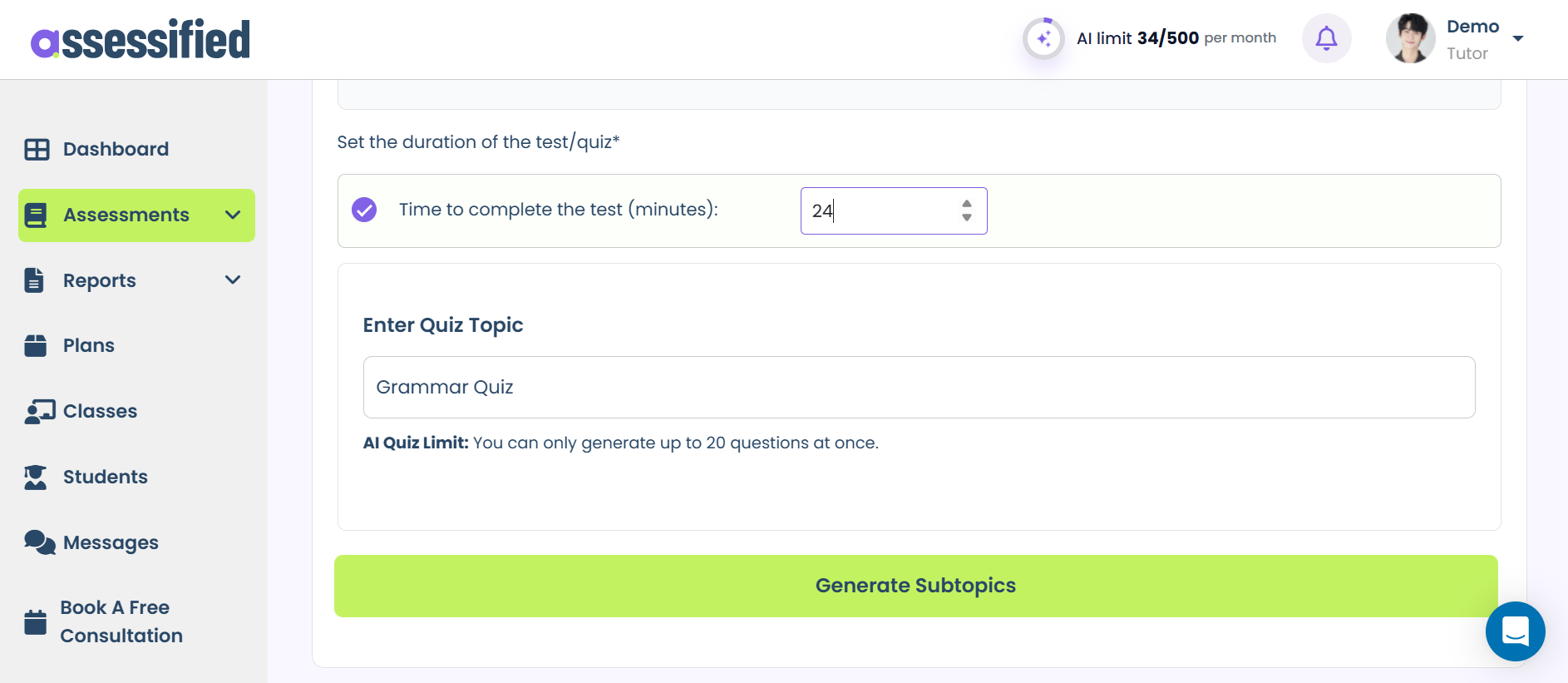
05 Enter quiz duration, set the title, and generate sub-topics
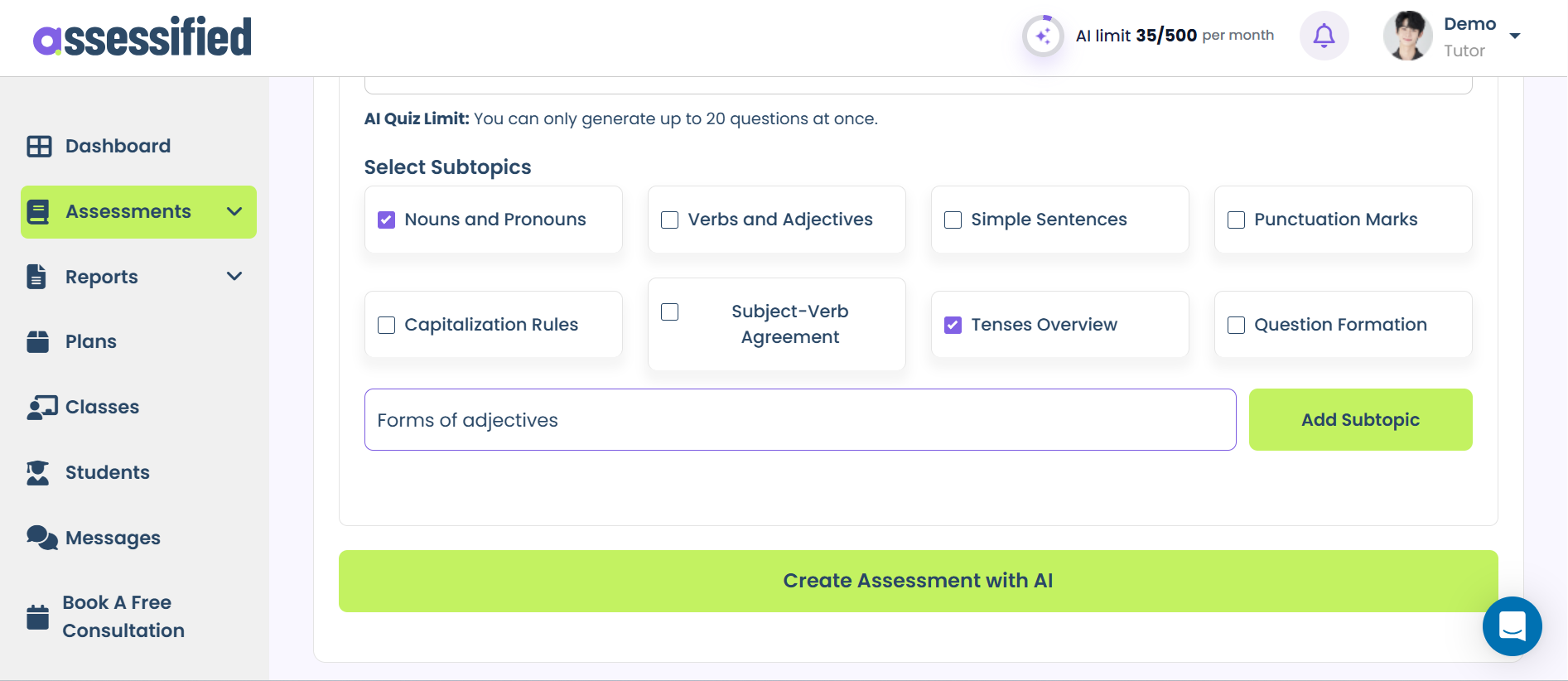
06 Select generated sub-topics or add your own. Hit “Create Assessment with AI” for a quiz in minutes.
Pre-built Grammar Quiz
Get ready-made quiz templates prepared by professional educationists at Assessified. Prepared by professionals for professionals. Search for your subject and topic, pick the best template, and finalize the perfect assessment for your students.
Here are the steps:
01 Create New Assessment
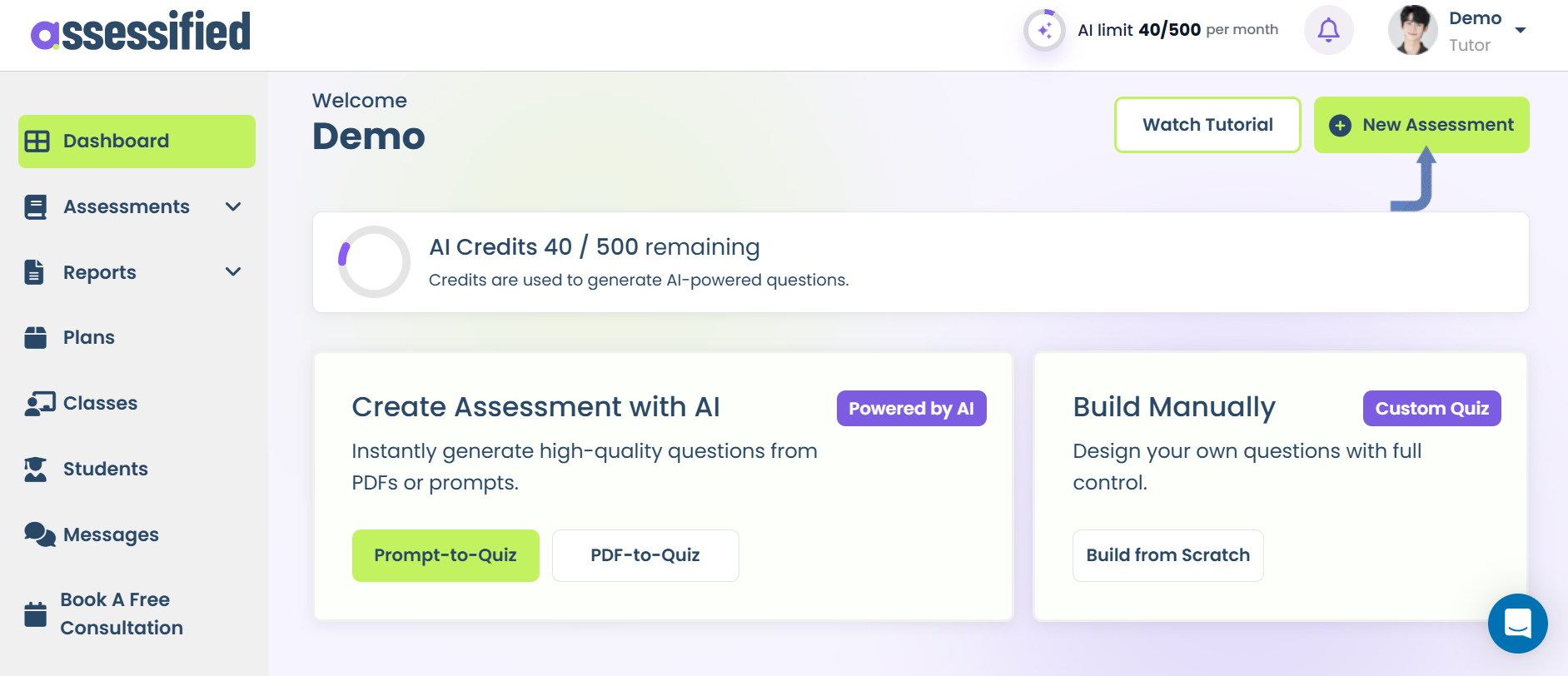
02 Select “Pre-Built Templates”
03 Search for grammar quizzes. Like we’ve searched for “Verb” templates.
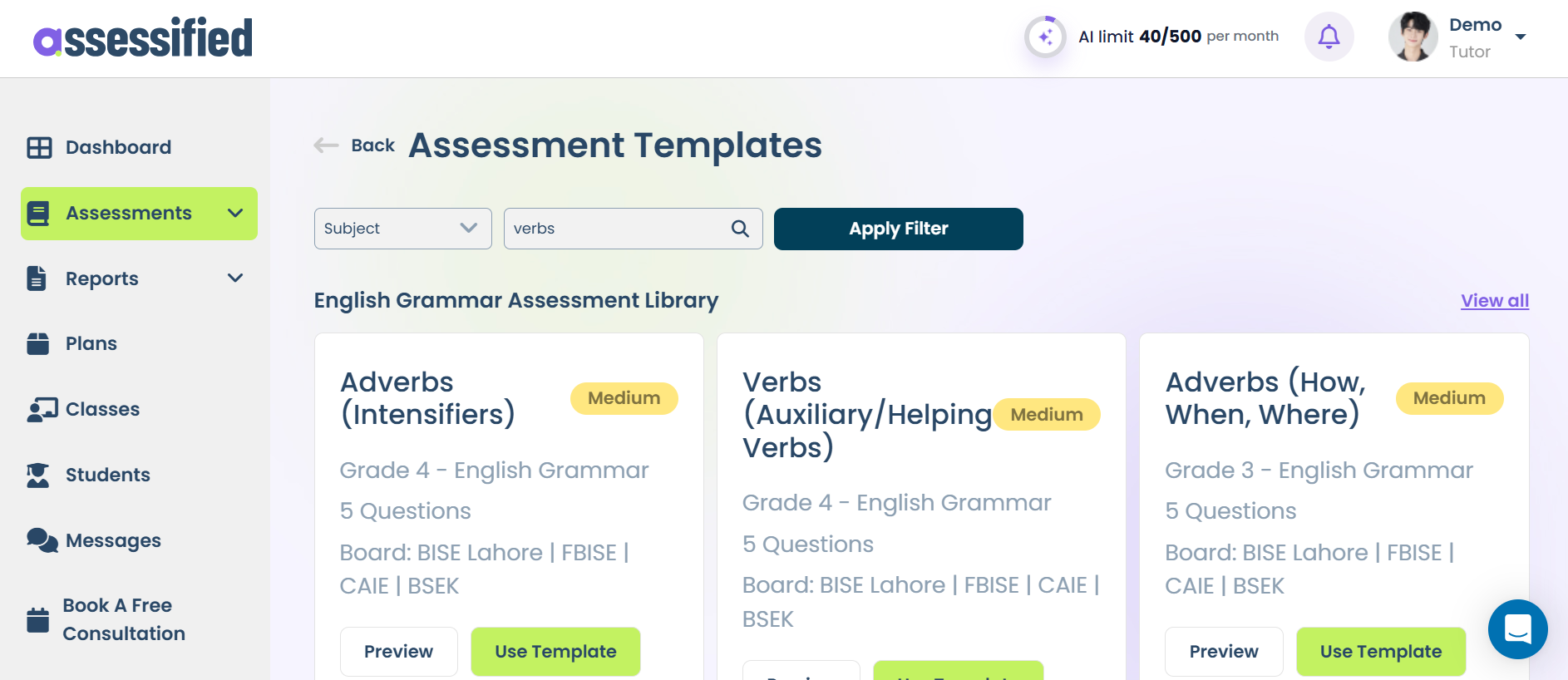
04 Choose the one for third grade.
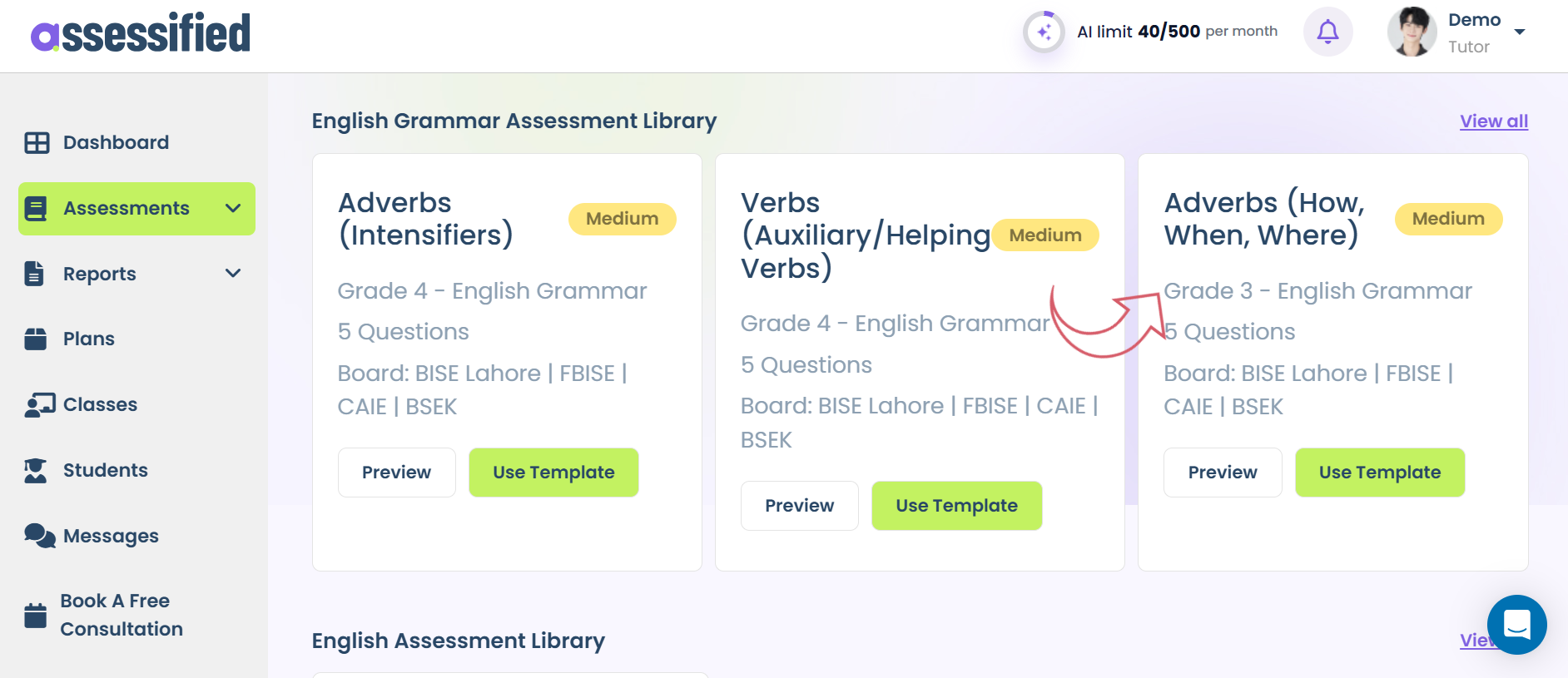
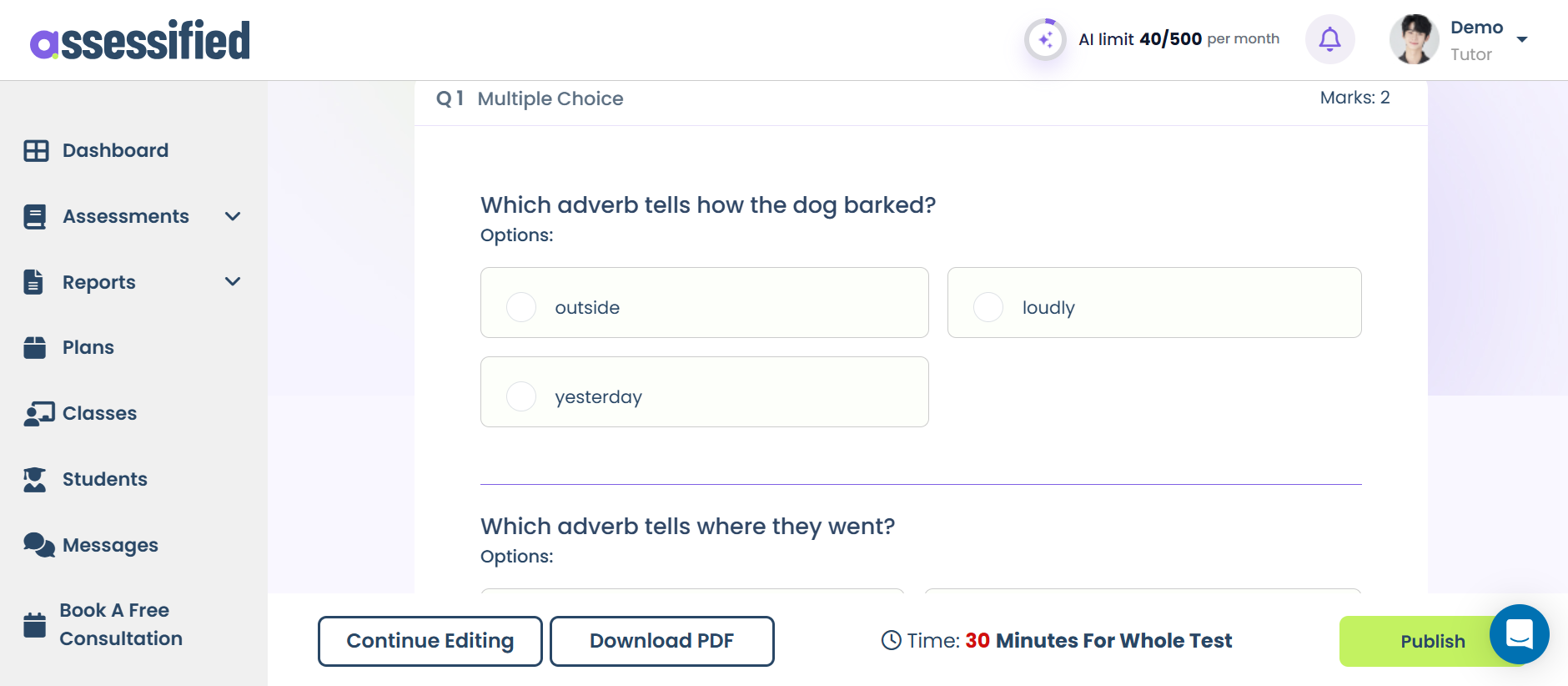
05 Preview the ready-made quiz. Edit further or publish directly.
Built from Scratch Grammar Quiz
For those who have a quiz in mind and are tired of paper-based working, can design fully custom digital quizzes for students with more than 10 interactive question types.
Here are the steps for custom quiz creation:
01 Create New Assessment
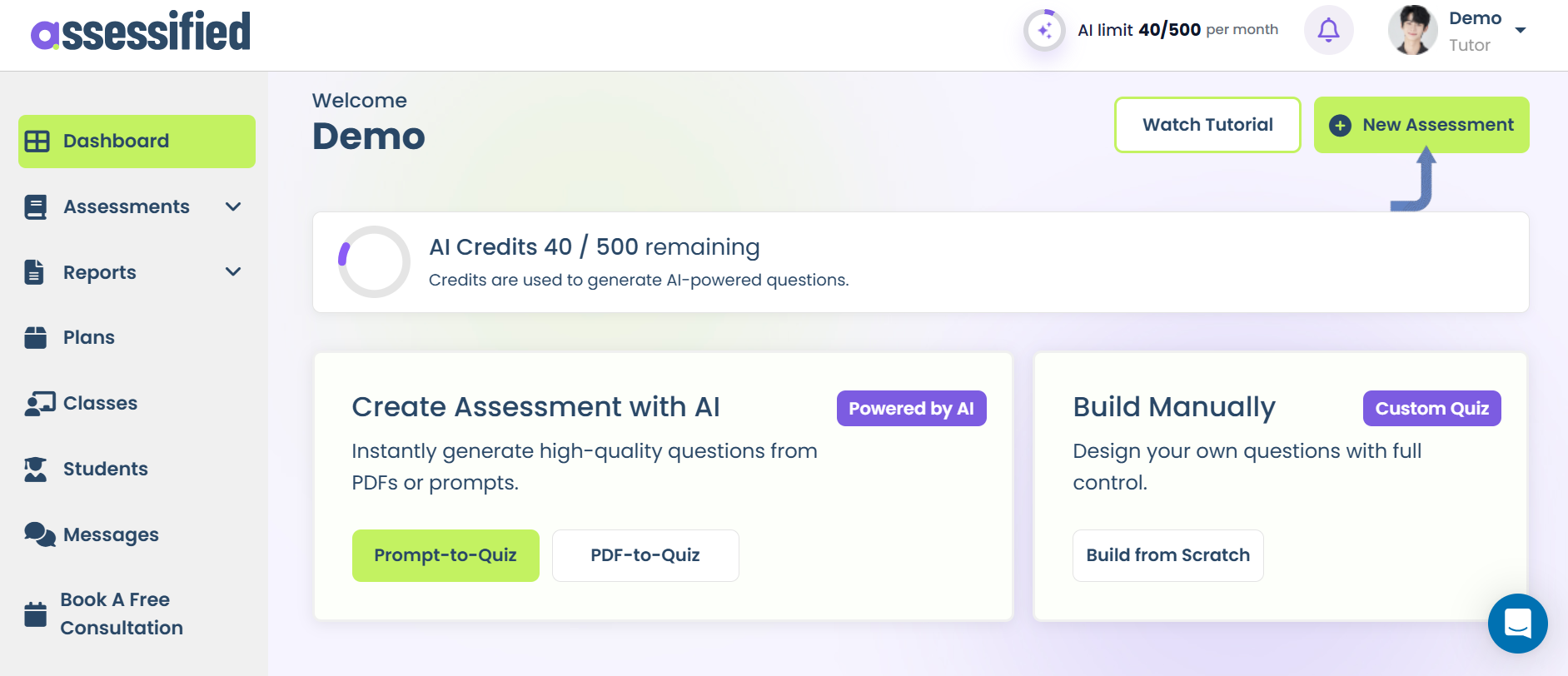
02 Select “Create from Scratch”
03 Select your question types.
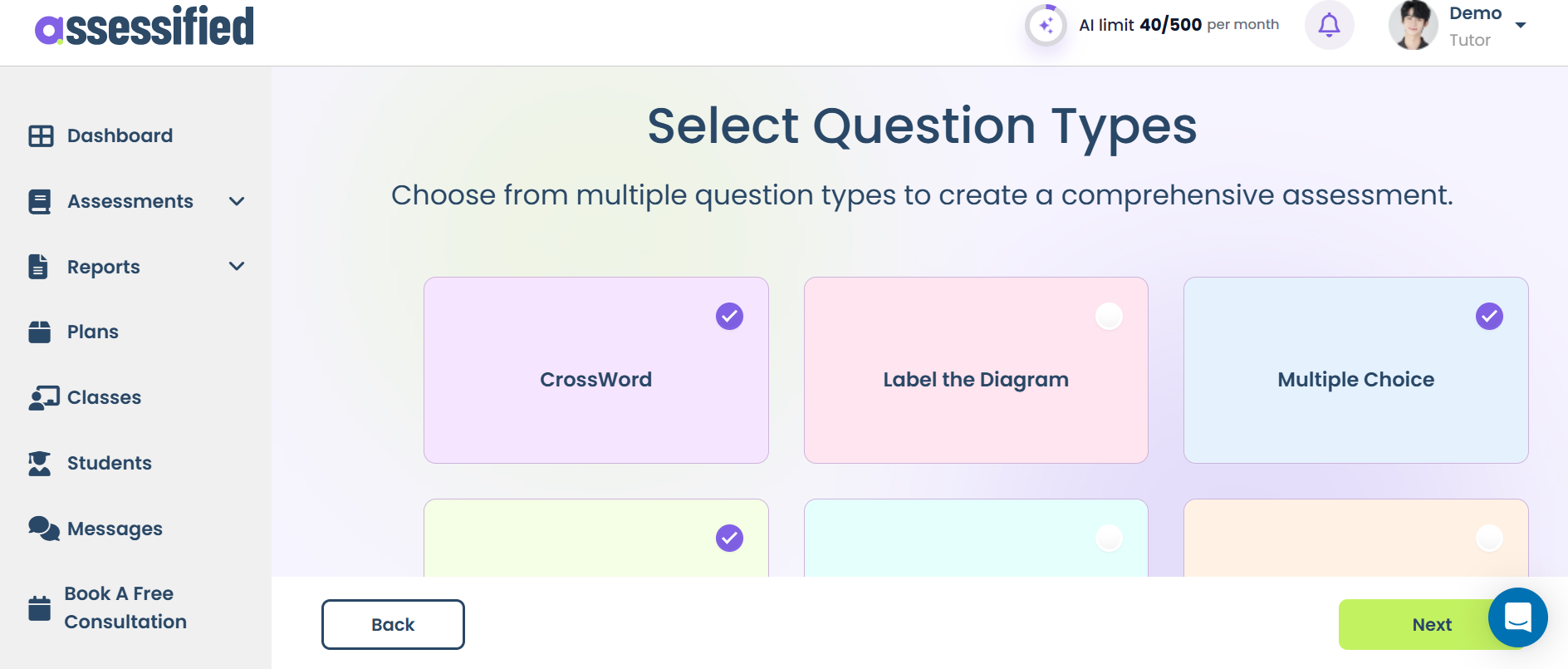
04 Set the basic assessment settings.
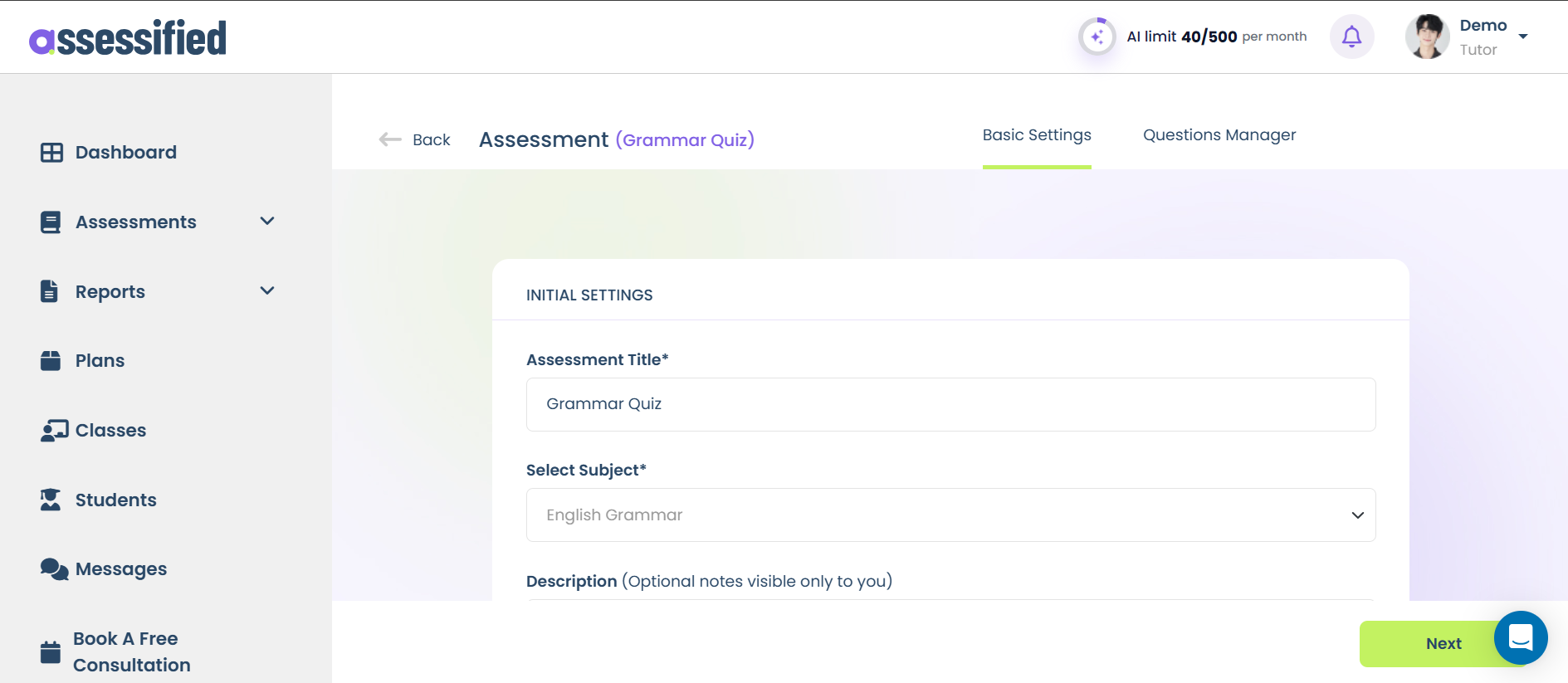
05 Start adding content to your questions.
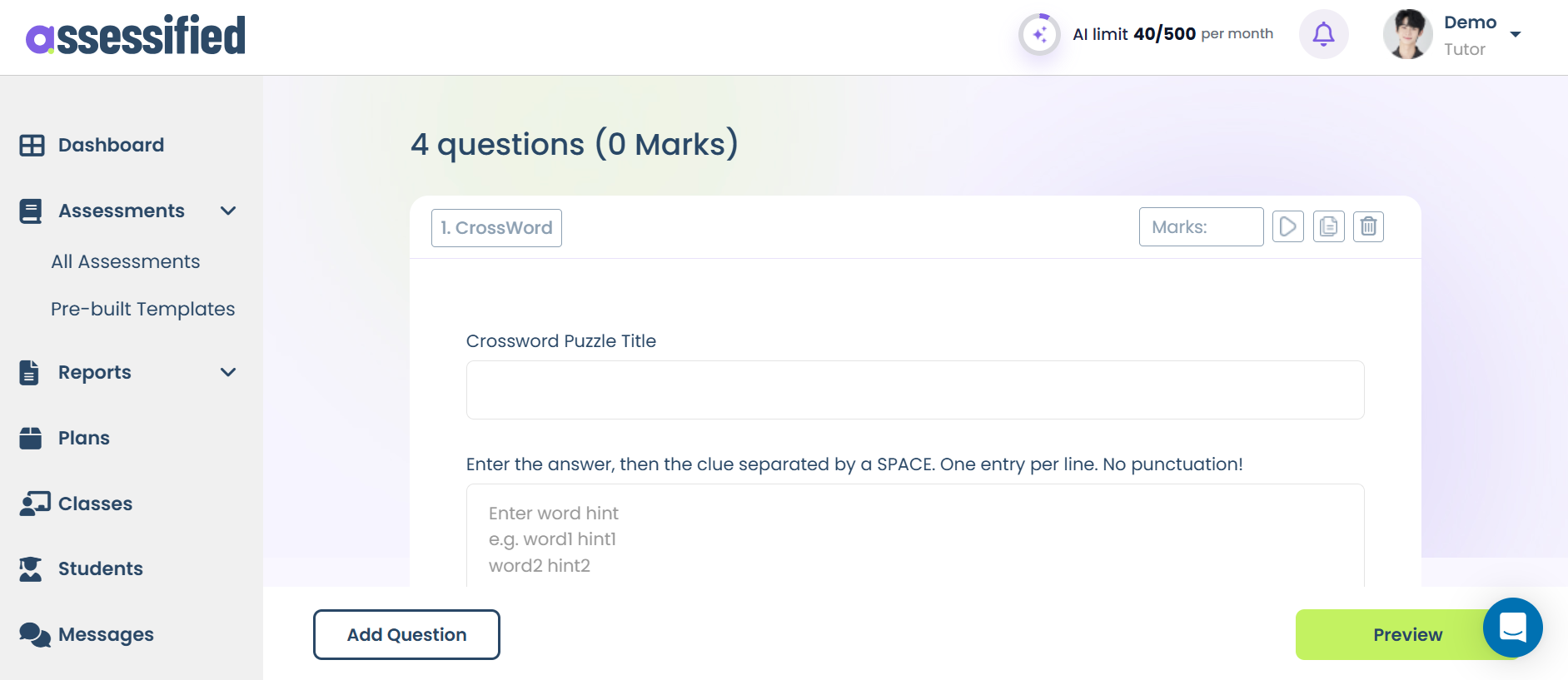
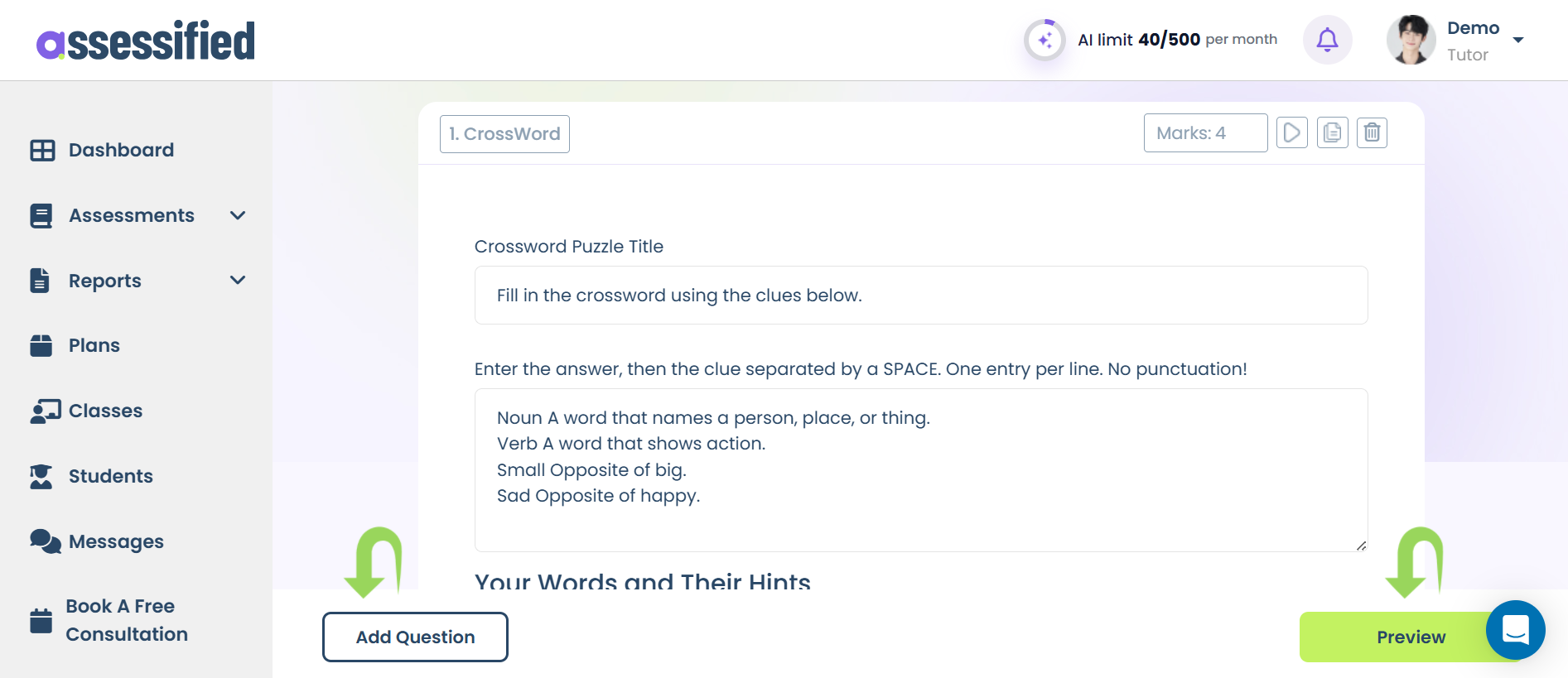
06 Add more questions or preview the quiz. Once previewed, publish or edit further for changes.
Assessified provides a helping hand for tutors in building meaningful assessments that measure learning the right way, all in minutes. It’s not just a tool for assessment building; it’s your complete assessment partner that improves a tutor’s ability to test their students more precisely.